Is it safe to link your bank account to a budgeting app in Australia?
Mostly yes, if the app uses Australia's regulated Consumer Data Right, and mostly no if it asks for your actual internet banking password. We explain how accredited open banking feeds work, what screen scraping is, and why Kleev chose a third route that sidesteps the question entirely.
The short version
- Apps connect to your bank in two very different ways. Regulated Consumer Data Right feeds keep your login inside the bank, while screen scraping asks you to hand over your actual password.
- CDR is accredited, consent-based and revocable, and it deserves a fair hearing. Be wary of screen scraping: the CDR's own statutory review recommended banning it where CDR can do the job.
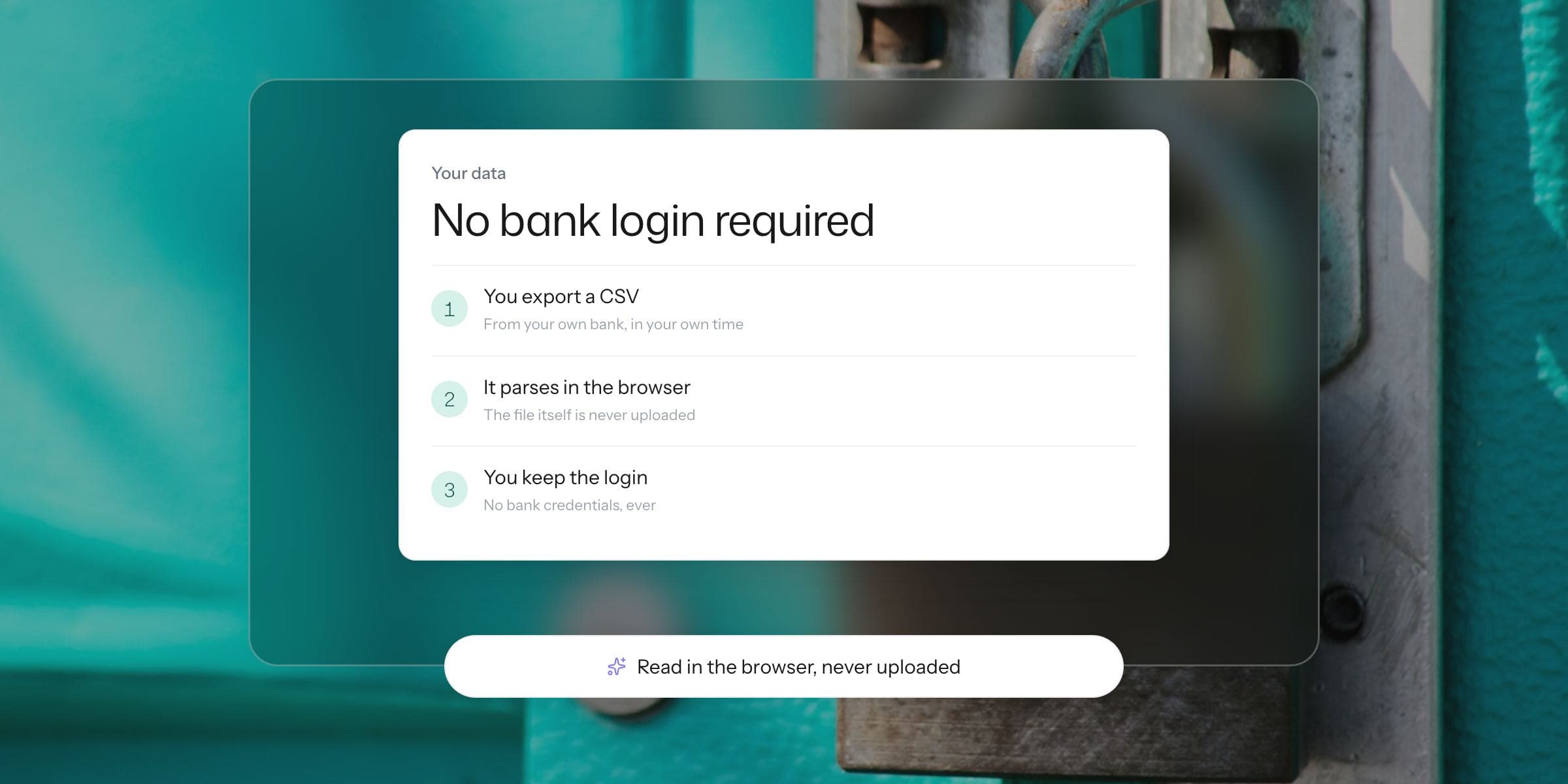
- Kleev takes a third route with no feed at all. You export a CSV yourself and Kleev reads it in your browser, so the safety question never arises.
It's a fair question, and it deserves a straight answer rather than fear-mongering from a company that happens to sell an alternative.
So here's the straight answer. Linking your bank account in Australia can be genuinely safe or genuinely unwise, depending entirely on which of two mechanisms the app uses.
The two mechanisms look almost identical on the connect screen. They work in completely different ways underneath.
How do budgeting apps connect to your bank?
Apps get your transaction data one of three ways: through Australia's regulated Consumer Data Right (often marketed as open banking), through screen scraping (sometimes marketed as "secure bank sync"), or by asking you to bring the data yourself as a file.
The first two are the linking routes, and telling them apart is the whole game. Here's a good test: if the connection process hands you over to your own bank's login page or app to approve the request, it's CDR. If the app itself asks you to type your internet banking password into its own screen, it's scraping.
What is the Consumer Data Right, and how do accredited feeds work?
The Consumer Data Right is Australia's legislated data-sharing framework, and it is live today in banking. Only businesses accredited by the ACCC can receive your banking data as accredited data recipients.
When you connect, you authenticate with your own bank and approve a specific request that names what data is shared and what it will be used for. The bank then sends that data across, and your password never leaves the bank.
Consent is yours to give and yours to take back. You can withdraw it at any time, you can ask for your data to be deleted once it's no longer needed, and the OAIC enforces the privacy safeguards alongside the ACCC.
Is a CDR feed worth trusting?
Credit where it's due. This is a well-designed system, and it fixed the genuinely bad status quo that came before it.
An accredited CDR feed is a regulated arrangement with named parties, a defined scope, and an off switch you control.

What is screen scraping, and why is it riskier?
Screen scraping is the older model. You give a service your real internet banking login, and its systems sign in as you to copy what's on screen.
That puts your actual credentials in someone else's hands, which cuts against the most basic rule of banking security, the one your own bank repeats constantly: don't share your login with anyone.
It also grants broader access than most people intend, because whoever holds your password can see whatever you can see.
Is screen scraping going to be banned?
Policymakers have circled this for years. The statutory review of the Consumer Data Right recommended that screen scraping be banned where the CDR is a viable alternative, and Treasury ran a public consultation on exactly that question from August to October 2023.
Whatever the final regulatory shape ends up being, the direction of travel is clear. If an app asks you to type your banking password into its own screen today, you're entitled to ask why it hasn't moved to the regulated alternative.
So is linking your bank account safe or not?
Through the CDR, broadly yes, with the honest caveat that applies to any system involving your data. Once an accredited recipient holds your transaction history, that copy exists on their infrastructure, subject to their security, for as long as your consent allows.
Accreditation and the OAIC's oversight lower that risk substantially. Nothing reduces it to zero.
Through screen scraping, we'd pass, and we're in reasonable company: the CDR review recommended phasing it out.
What should you check before you connect?
The practical checklist is short. Confirm the app is an accredited data recipient or operates through one, and read the consent screen properly.
Then set the shortest sharing duration that works for you, and actually revoke the connections you stop using.

How does Kleev sidestep the question?
Kleev doesn't link to your bank at all, by either mechanism. You export a CSV from your own bank, from your own logged-in session, and drop the file in.
Kleev parses it in your browser and never uploads the raw file. There's no credential to protect because none was shared, no feed to breach because none exists, and no consent to manage because the data moves only when you carry it.
For transparency's sake: if Kleev doesn't recognise a file's layout, it sends the filename, headers and first five rows to its AI to detect the format, and its AI features send transaction details to Anthropic's Claude API for categorisation.
If a live feed matters to you, use one of the accredited CDR apps with your eyes open. That's a legitimate choice.
If you'd rather your bank access stayed exactly where it is today, the CSV route gives up surprisingly little. We cover it end to end in how to track your spending without linking your bank account, with per-bank export guides to get you moving. Try the no-linking route in Kleev →
Common questions
Is open banking safe in Australia?
Australia's Consumer Data Right is a regulated system. Only businesses accredited by the ACCC can receive your data, your login is never shared, you consent to specific data for specific uses, and you can withdraw that consent at any time and ask for your data to be deleted. No system removes all risk, but CDR is designed with strong safeguards enforced by the ACCC and the OAIC.
What is screen scraping?
Screen scraping is when you give a service your actual internet banking login so it can sign in as you and copy your data. It predates open banking and still exists in Australia, but it means someone else holds your real credentials. The statutory review of the Consumer Data Right recommended banning it where the CDR is a viable alternative.
How is a CDR feed different from giving an app my password?
With a CDR feed you authenticate directly with your own bank, and the bank sends the agreed data to an ACCC-accredited recipient. Your password never leaves the bank. With screen scraping you hand the password itself to a third party, which then logs in as if it were you.
Can I revoke a bank connection later?
For CDR connections, yes. Consent is time-limited and revocable. You can withdraw it at any time through the app or your bank, and you can ask for the collected data to be deleted when it's no longer needed.
Does Kleev connect to my bank at all?
No. Kleev has no bank feed of any kind, regulated or otherwise. You export a CSV from your own bank and drop it in, and the file is parsed in your browser without being uploaded. There is no connection to authorise and none to revoke.